
Find the email you need
Search by sender, recipient, subject, text and date. Search works in the current folder of the selected accounts.
Email search examples →
Keep personal and work mail in one window with Postosha. Connect your existing accounts, read messages together and reply from the right address.
Installer for Windows 10 and 11 · 64-bit
Supporting the project is optional.
Connect your first account →
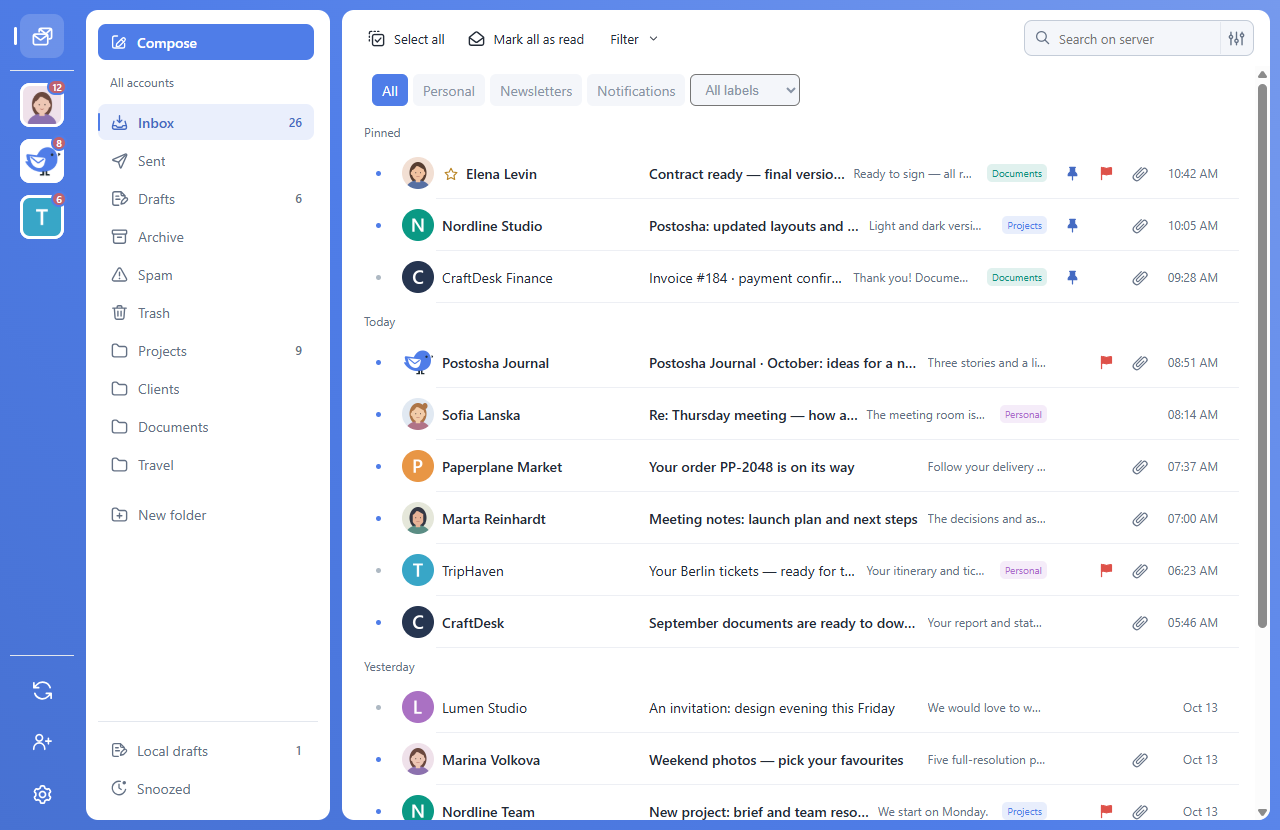
Keep your existing address. Use your provider’s IMAP/SMTP settings and permitted sign-in method; some accounts require an app password.
Read messages together or select one account. Choose the sender when composing and set a separate signature for each mailbox.
Work with multiple accounts →Search by sender, recipient, subject, text and date. Search works in the current folder of the selected accounts.
Email search examples →
Pin messages, add flags and colour labels. Group conversations and manage your folders.
Set up sorting rules →
Save ready-made replies with attachments as templates. Use signatures, address suggestions and a local address book.
Create a template with attachments →
Preview images and PDFs in Postosha. Save files or drag them into other apps.

Snooze emails and set reminders, including for conversations without a reply. Reminders work while Postosha is running, including in the system tray.
Set a reply reminder →
Choose a light, dark or system theme, an accent colour, list density and notifications for each account.
Postosha connects directly to your email provider. Downloaded messages and attachments are cached on your computer; originals remain with the provider. Only previously downloaded data that remains cached is available offline.
Read offline and manage the cache →
Email connections are protected by TLS. Saved passwords are protected by Windows; you can also keep a password only for the current app session.
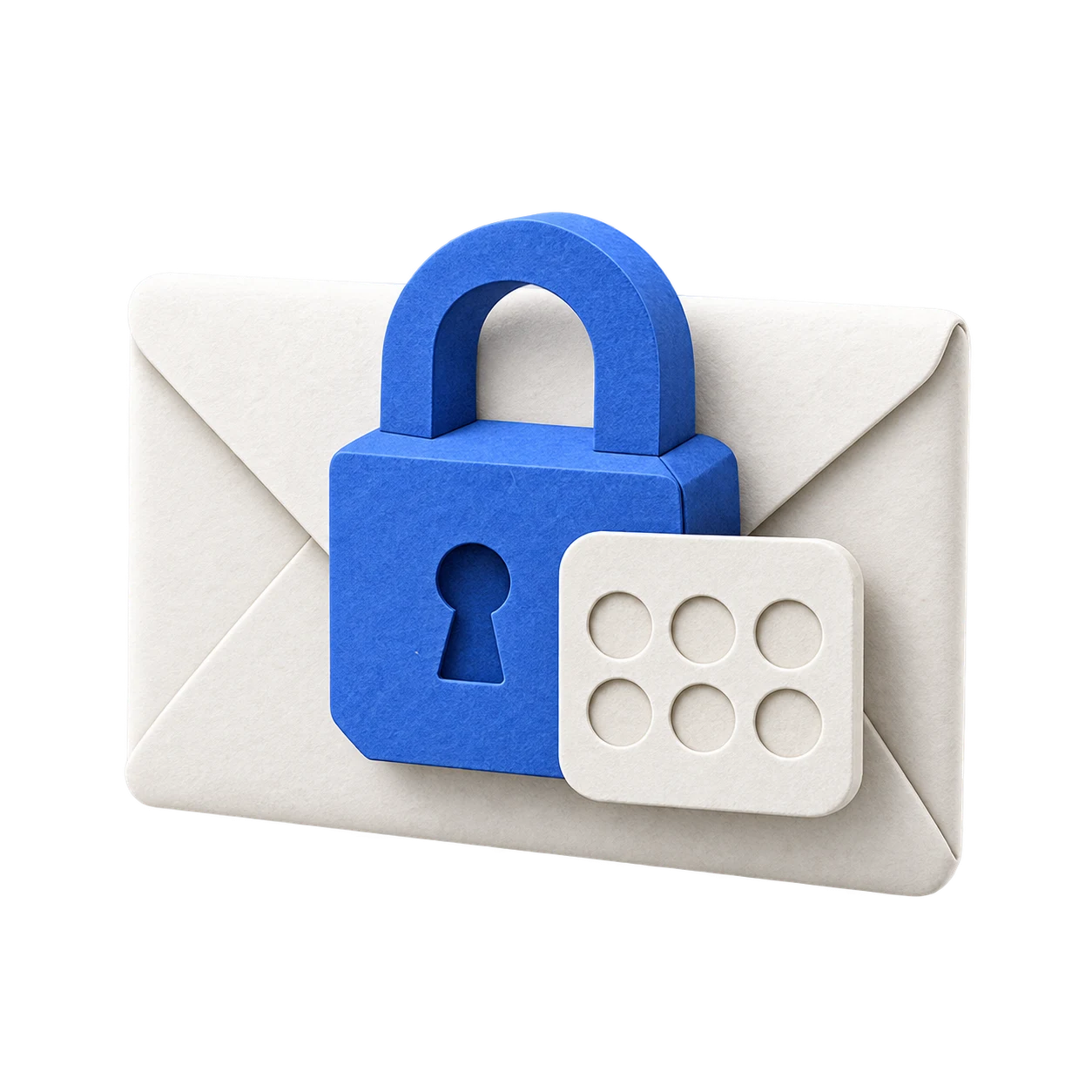
Protect the entire app or just selected accounts with a 4- or 6-digit PIN. For a protected app, the code is requested at startup and when opening it from the system tray; for individual accounts, when switching to them. Notifications for protected accounts hide the sender, subject and message text. A PIN restricts interface access; it does not encrypt the entire email cache.
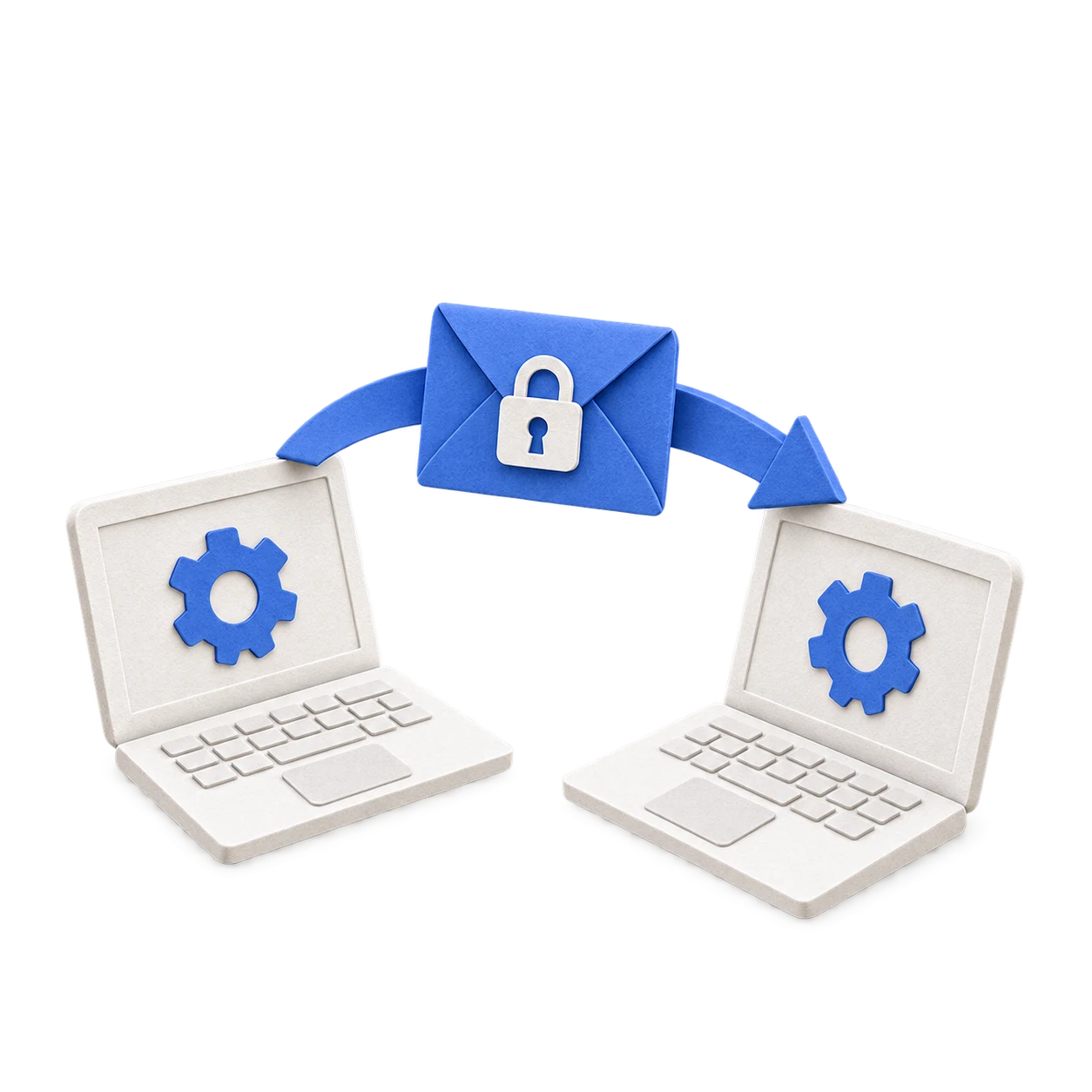
Export settings for selected accounts to a file protected by a separate password to move them to another computer. This transfers account connections, not a backup of messages, contacts or templates.
Move accounts to another computer →
The contents of your correspondence, attachments, contacts, email addresses and passwords are not sent to the Postosha developers or third-party analytics services. To receive and send email, the app exchanges data directly with the email service you choose.
Sent only with your permission to help improve the app. It contains technical information: Postosha and Windows versions, interface language, the number of connected accounts, email service names and counters for feature usage, errors and updates.
The statistics do not include names, email addresses, contacts, email subjects or text, attachments, passwords or draft contents. A random installation ID is used, rather than a username or email address. You can disable all statistics in settings.
No. Supporting Postosha is optional and does not unlock additional app features.
Yes. View messages together or select an account. Choose a sender when composing and use a separate signature for each mailbox.
No. Postosha connects to your existing email accounts. You keep your address and provider.
Previously downloaded messages are available while they remain cached. Sending, new mail, server search and missing attachments need an internet connection.
You can use Postosha for everyday mail with compatible IMAP/SMTP accounts. Adding an account does not move local PST/OST archives, calendars, contacts or Outlook rules. Ask your administrator about Exchange and Microsoft 365 requirements first.
Download Postosha, add your first account and get started. Receiving new messages and sending email require an internet connection; you can read downloaded messages offline.
Download for Windows