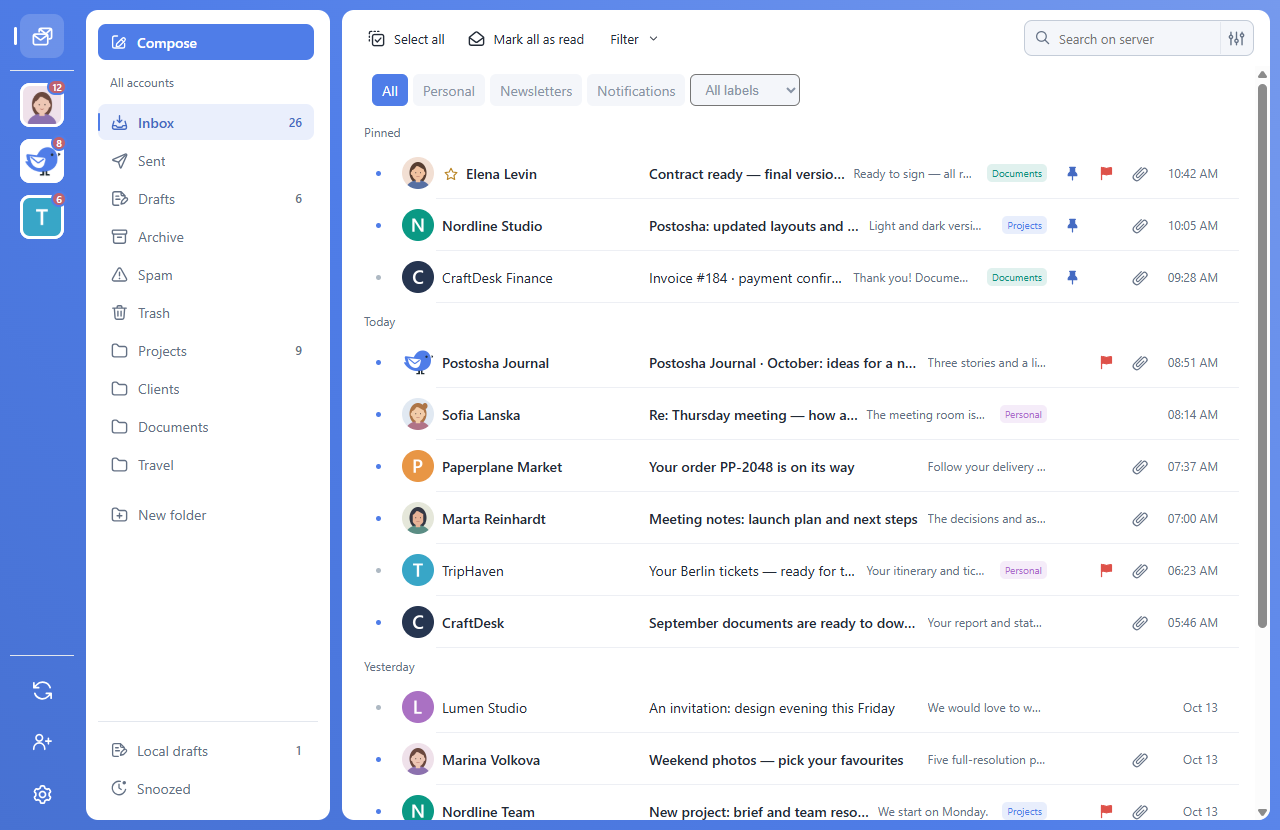
Give each account its own identity
- Add each mailbox using its own sign-in method.
- Choose a recognisable name and account icon.
- Set signatures and notifications separately for each address.
Choose the sender deliberately
The composer lets you select the sending account. Check the address and signature before sending a work message. A combined view does not merge your accounts at their providers.
Know the search scope
Search runs in the current folder of the selected accounts. It is not a global search across every folder or local archive. Change the folder or account selection when needed.